How I convert video files into "Substack and web ready GIFs" with one line of code
How I convert videos into compressed GIFs that are "web ready" in seconds using open source tools from my terminal.

I encountered a problem when trying to add a GIF in a Substack post. The platform didn’t allow me to add my file because it was too large.
I couldn’t find mention of it in Substack’s official docs but, through trial and error, I’ve found that with Substack (and many other 3rd party platforms), .gif file uploads must be under ~2.5MB.
To get the .gif files ready for posting, I compress them using ffmpeg, which is an open source tool you can run locally. I built a repo that allows you to interact with a python wrapper of ffmpeg and it’s available on GitHub, if you want to follow along.
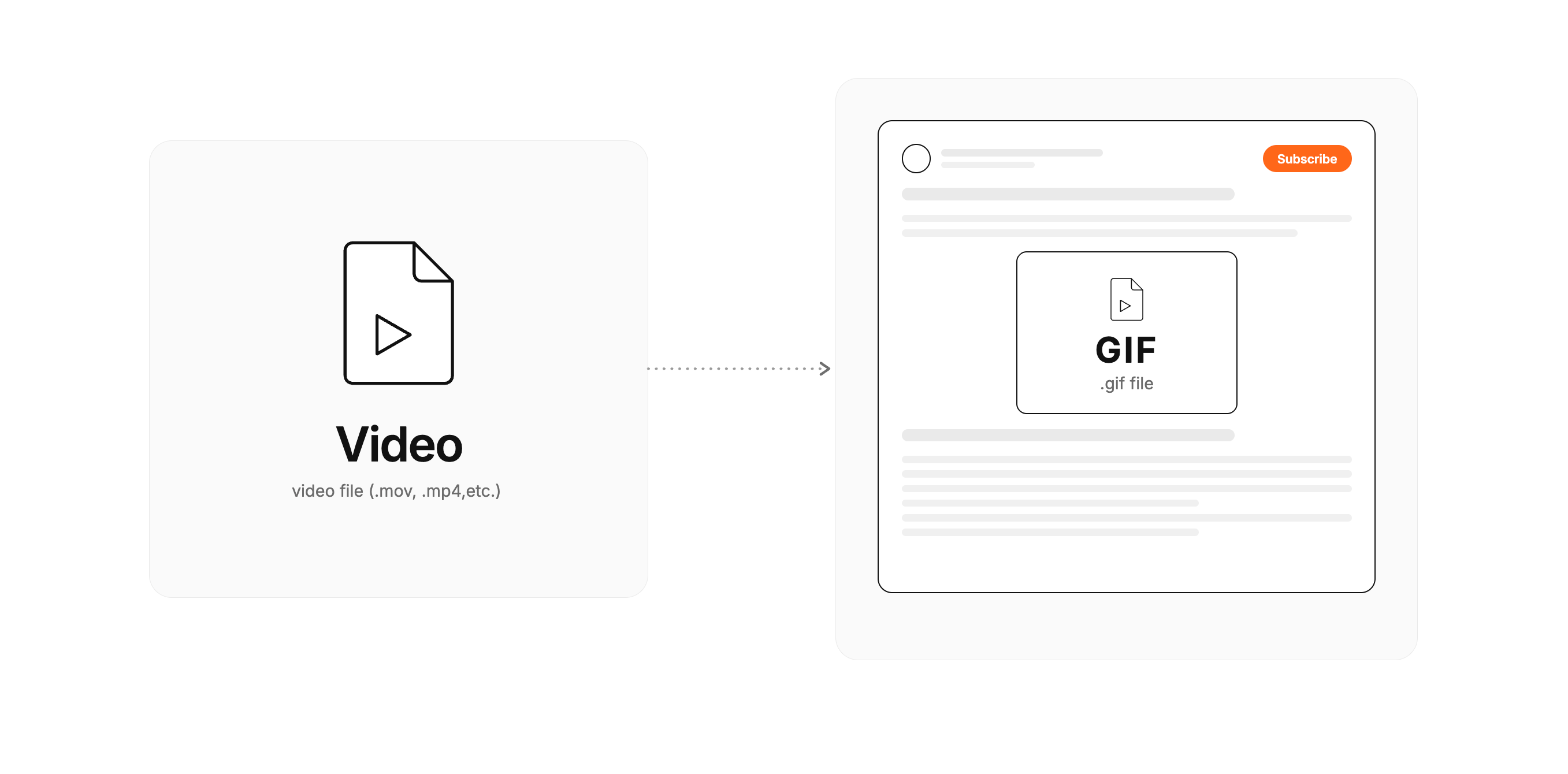
How to decrease .gif file size
Ffmpeg has arguments that can be passed to specific how the .gif output should be compressed. There are three main levers to reduce the size of the .gif file output, in order of impact on file size.
Speed - how fast the video is going (ex. 2x speed)
FPS - how many frames are showing per second (ex. 15fps → 10fps)
Scale - Reduce the size of the frames (ex. 1080x620px → 540x320px)
In addition to these three, ffmpeg supports dithering and X to reduce the number of colors in the output which also helps with the size but will change the look of output.
My script to convert video to compressed GIF
To get the GIF “web ready”, I typically make the .gif output speed 2x faster, reducing frame per second to 10 and reducing the size frame size by 35%. You can tweak the speed, FPS and frame size of the below script to get the right output.
python convert.py -vf "setpts=PTS/2,fps=10,scale=iw*0.65:-1"The above script is what I ran to convert a video that was 10MB ~80% down to 2MB. I used a script I detail here that converts the video into a GIF.
Eval result
Output from convert.py script.

Output .gif file - 2MB
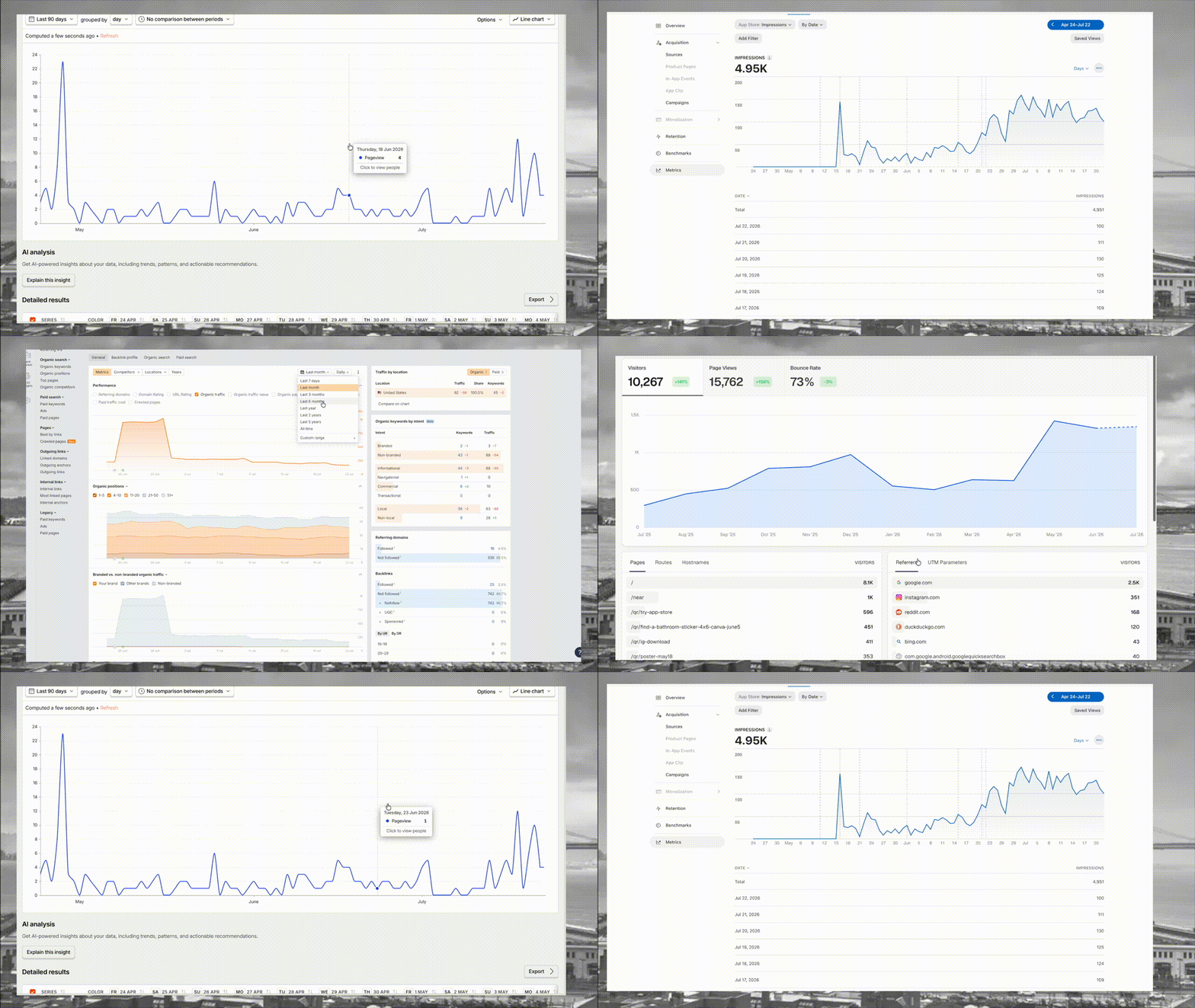
Input video file - 10MB
Limitations
Longer videos can be hard to compress to the right size while still retaining similar quality
GIFs don’t have sound so any audio will be lost in conversion
Video files are more performant than GIFs so if you’re not using a 3rd party platform that has restrictions on autoplaying videos it may be better to directly embed the video and autoplay